Add Republic As Your Trusted Source




Add Republic As Your Trusted Source
Advertisement
Updated December 6th 2025, 11:22 IST
IndiGo Chaos Leaving You Stranded? Follow These Steps to Get Your Money Back
While passengers affected by the massive disruption of IndiGo flight operations grapple on figuring out alternative travel arrangements, here's a step-by-step guide on how to proceed if any passenger wants to claim a refund for their flight tickets.


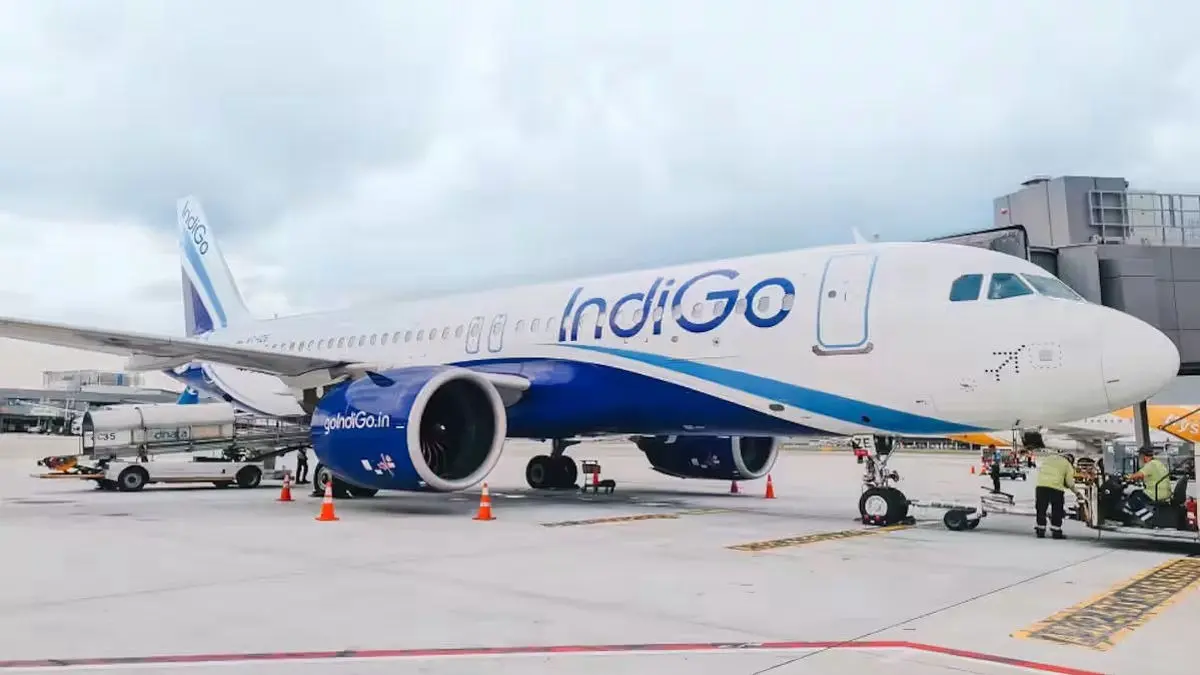
New Delhi: Flight disruptions continued across major Indian airports on Saturday as IndiGo continued to face nationwide operational delays leading to a large number of passengers facing inconvenience across the country. The airline has already mentioned that affected passengers will receive refunds or receive alternative travel arrangements.
"The affected customers are being offered alternative travel arrangements to reach their destinations or refunds, as applicable. We request customers to check the latest flight status at https://www.goindigo.in/check-flight-status.html before heading to the airport. We deeply regret the inconvenience caused and remain fully committed to minimising disruption and supporting our customers through this period,” IndiGo said in a statement on Wednesday.
While affected passengers grapple on figuring out alternative travel arrangements, here's a step-by-step guide on how to proceed if any passenger wants to claim a refund for their flight tickets:
Step 1: Visit IndiGo's official website
Passengers need to log in to IndiGo's official website and then click on 'Trips'. A drop-down list appears.
Step 2: Click on Change, Cancel or Refund
From the drop-down menu, passengers need to click on ‘Change, cancel or refund’ option found under Plan B. Passengers are then directed to a new webpage.

Step 3: Enter PNR Details
Passengers can enter their PNR or Booking reference number and their Email ID or last name found under the Plan B option in the new webpage. Following this, one can click on Retrieve Booking. Passengers are then directed to a new webpage titled Itinerary.
Step 4: Select Cancel Flight
Passengers can view the booking details of their flight. They can then click on Cancel Booking and process their refund.
When Should One Cancel Their Flight?
According to IndiGo, one can cancel their flight at no additional cost if it is cancelled or rescheduled from the airline's end. IndiGo has already clarified that passengers will be receiving their full refunds if they cancel their flight in view of the ongoing massive disruptions in flight operations.
In case the flight booking is eligible for ‘Plan B’ under which one can change their dates of booking or cancel their flights, the concerned passengers will be notified via SMS, email and calls on their registered mobile number and email ID. While retrieving the itinerary online, if the PNR is eligible for Plan B, the Plan B link will be displayed.
According to IndiGo's website, to be eligible for a refund, flight timing has to be brought forward by one hour or more or postponed by two hours or more from the scheduled time of departure by the airline.
Moreover, if the concerned passenger is not able to find a convenient time or date slot to rebook their flights, they can have the option to cancel their booking and process a refund at no additional cost.
How Much Time Does It Take To Get The Refund?
According to IndiGo, once the cancellation request is processed, a refund usually reflects in the passenger's account in seven business days. For agency booking, customers need to contact the concerned travel agencies for their refund, it added.
What To Do If The Refund Does Not Reflect In Your Account After The Time Frame?
In case any passenger does not get their refund within seven business days, they may write to IndiGo at customer.relations@goindigo.in, or chat with an agent by clicking here Https://bit.ly/2yyEcXp . For agency booking, customers should contact the concerned travel agencies for the refund.
Get Current Updates on India News, Entertainment News, Cricket News along with Latest News and Web Stories from India and around the world.
Published December 6th 2025, 11:22 IST