Add Republic As Your Trusted Source




Add Republic As Your Trusted Source
Advertisement
Updated December 4th 2025, 12:11 IST
Your Music In A Nutshell: How to Find Spotify Wrapped, Apple Music Replay, YouTube Recap
Spotify and Apple Music have already started delivering their annual recaps to customers’ inboxes, while YouTube Recap is on its way.


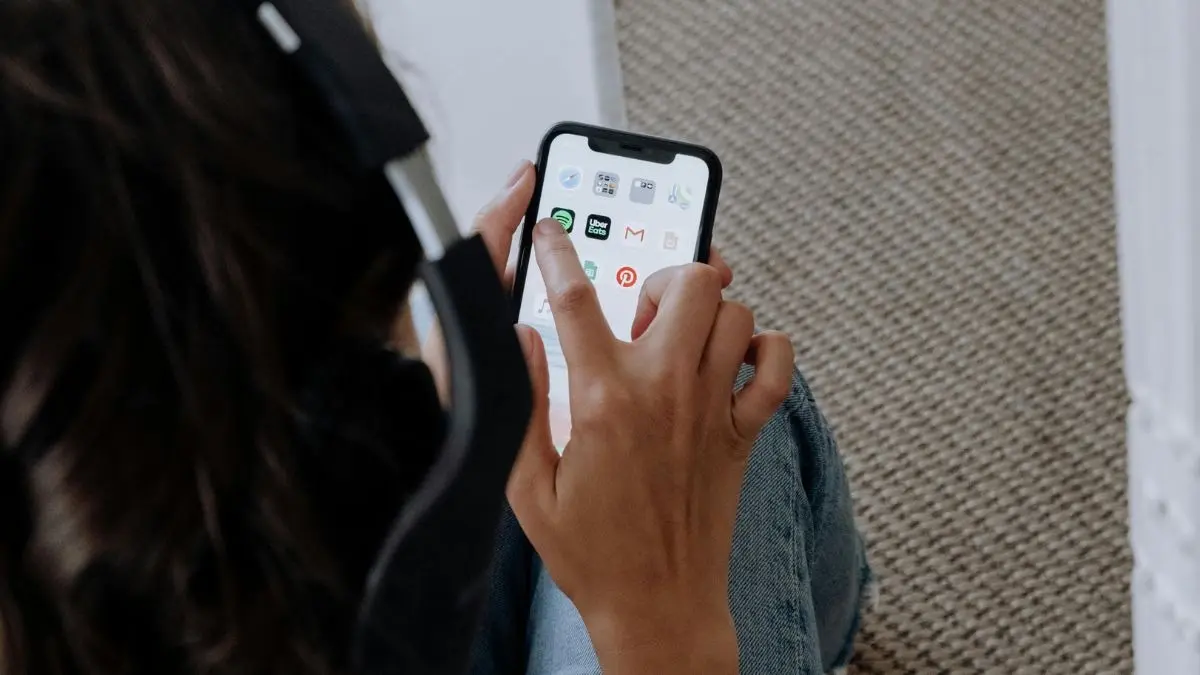
The end of 2025 is near. And the season of unwrapping our online lives, or at least a glimpse of what they looked like over the past year, is well underway.
Music streamers, social media sites and a host of other apps have already started delivering their annual recaps to customers’ inboxes. That gives users a peek at anything from the top songs they had on repeat and the videos they streamed the most, to online language-learning or everyday tips they turned to the internet for in 2025.
Here are some of the biggest platforms that have already released their 2025 recaps (covering data for at least the majority of the year), and where to find them. Most instruct users to download the latest version of their apps to get the best experience.
Spotify Wrapped
Spotify released its Wrapped on December 3. The platform will prompt users to view their annual “year in audio,” recapping the top songs, artists, podcasts, and more they streamed the most in 2025 (or, more specifically, January through mid-November). You can also click on “Wrapped” on the top banner on the app to view your stats and download your yearly playlist.
This year, the music streamer is also introducing “Wrapped Party” — a feature that allows you to compare listening habits with friends who use Spotify, too. Wrapped Party is only available on Spotify's mobile app. You can start it within Spotify's Wrapped hub or by searching for “Wrapped Party” within the app.
YouTube Recap
Google's streaming giant unveiled its new “YouTube Recap” on December 2 in the US, with an Indian version to follow this week. Recap gives an overview of YouTube users' watch history over the last year, including top artists and songs if you listened to music on the platform.
YouTube said Recap would roll out worldwide over the first week of December. According to the platform, it can be found on the YouTube homepage or under the “You” profile tab on the mobile app or desktop. You must be signed into the platform and have the latest update.
Apple Music Replay
Apple Music released its annual “Replay” on December 2, which gives its users a look at their top songs, artists, genres and more streamed on the platform over the past year.
To find Replay on the Apple Music app, you need to go to the Home tab, scroll down to “Your Top Music," and then click “Go back in time," Apple says. On the web, you can also sign into your account at replay.music.apple.com and click “Jump In.”
Published December 4th 2025, 12:10 IST